

Build greater independence.
Let learners practise travel skills safely in Virtual Reality.
From planning a journey to asking for help, Virtual Public Transport lets learners practise recognisable travel situations at their own pace, with guidance.
Small steps towards everyday independence
Guided by the learner’s needs
Start with what the learner wants to be able to do. Our focus is on neurodivergent people who need support with travel skills, but the experience can also be relevant to others with a suitable learning need. A diagnosis alone does not determine whether VR is appropriate.
The teacher or support professional chooses suitable exercises and adapts explanation, support and repetition to the learner’s cognitive abilities, pace and goals. They also consider headset comfort and sensory demands. There is no fixed pace or standard pathway that works for everyone.
A practical addition to teaching and support
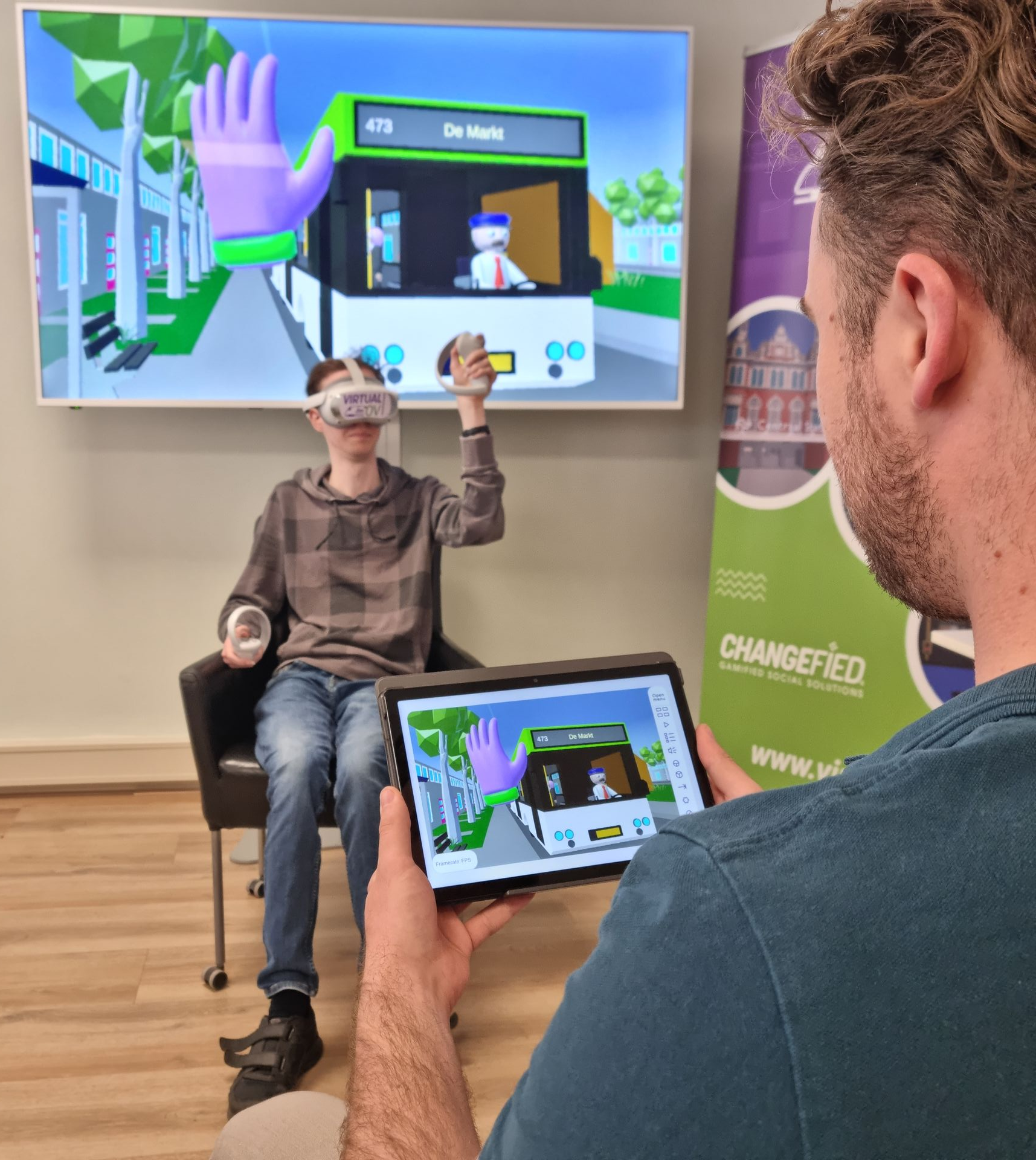
Use VR alongside explanation, reflection and real-world practice. Select situations that fit the learner’s goals, observe what happens and discuss the choices they make.
A learner might need to practise recognising travel information. Another might benefit from rehearsing how to ask for help.
From passive to active learning
Not just watching or listening, but taking action. In our interactive Virtual Reality learning environments, participants make choices, carry out tasks and experience what happens. Explanation becomes an active learning experience.
Learn by doing
By performing and repeating sequences of actions, participants practise procedural memory: remembering how to do something. Learners can rehearse the steps of checking in, choosing a service and boarding, rather than only remembering an explanation.
Plan, focus and adapt
Concrete tasks give participants opportunities to practise executive functions: planning, holding information in mind, focusing attention and adjusting when a situation changes.
The professional guides the learning
The teacher or support professional can adapt the VR learning experience to the participant’s cognitive abilities, pace and learning goals. They choose exercises, explanation, support and repetition, and remain in control of the learning process.
What can learners practise?
Planning a journey
Recognise travel information and put the steps of a journey in order.
Choosing a service
Read route numbers, directions and information displays.
Responding to changes
Consider a next step when a journey does not go as planned.
Asking for help
Rehearse a question for transport staff and discuss what happened.
Space to act, reflect and repeat
The environment provides opportunities to practise planning, paying attention, remembering information and making choices as part of a travel activity.
Repeated practice lets learners revisit actions and discuss their choices. Teachers and trainers decide which activities fit the learner’s goals and how to assess progress.
VR practice alone does not establish that a skill will transfer to a real journey. That link needs practical support and assessment.
Connect practice to daily life
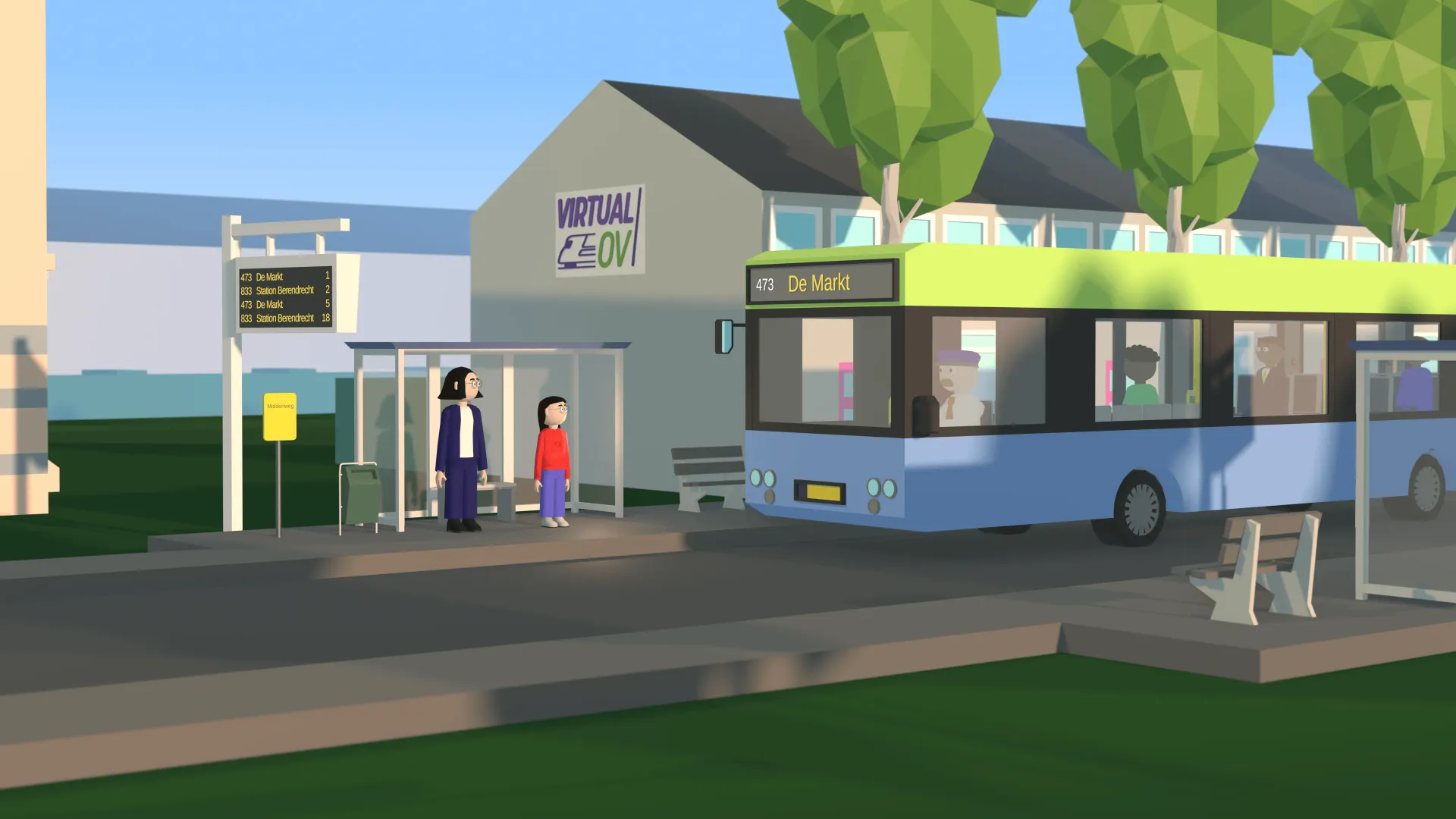
The VR environment trains generic travel skills in a fictional setting rather than a personal route. Your team makes the link to the learner’s own journey, using suitable practical activities and support.
Progress at an individual pace
The aim is to make practice manageable and support steps towards greater independence. Not every learner will travel independently and outcomes depend on individual needs, goals and support.
The professional remains essential
Teachers, trainers and support professionals choose learning goals, adapt guidance and assess what a learner can apply outside VR.
The module does not diagnose a condition or replace individual support. Use observations from the experience to inform discussion and practical learning.
Virtual Public Transport in the Dutch Jeugdjournaal.
Plan implementation around your setting
Discuss suitable hardware, staff preparation and how the activities fit existing lessons or support. Begin with a clear learning goal and provide guidance that suits each learner.
Contact us to explore the current module, training options and implementation requirements.
For school leaders and coordinators
Consider how travel skills practice fits your existing approach to independence, participation and preparation for further education or work.
Clarify who guides learners, how real-world practice is supported and how your organisation will monitor progress.
Organisations we work with








Questions about using the module
Who is Virtual Public Transport designed for?
Our focus is on neurodivergent learners who need support with travel skills. Others with a suitable learning need may also benefit from practice. The teacher or support professional assesses suitability and adapts the experience to the learner’s cognitive abilities, pace and goals.
Do teachers need previous VR experience?
We can discuss preparation and training for teachers and support professionals.
Can the module support citizenship education?
Your team chooses learning goals and makes the connection to its own curriculum and support plans.
Does VR replace real-world practice?
No. VR complements guided learning and real-world travel practice.
How can our organisation get started?
Start with a conversation about your learners, goals, equipment and practical requirements.
Discuss use in your organisation
Tell us about your learners and setting. We can explore suitable modules, hardware and staff preparation together.
Our current implementation focus is the Netherlands. International use may require adaptation and should be discussed before purchase.
Let’s explore your learning goals
Share what your learners need to practise and how you currently support them. We can discuss whether Virtual Public Transport or Virtual TechLab fits your setting.